
A self-paced course inside the PowerBI School community — built for people who need Power BI for their actual job. Start with your first chart, finish building models, measures and reports your team can rely on.
A look inside the course
Follow along with real datasets
Short, focused lessons
Dedicated community support & access
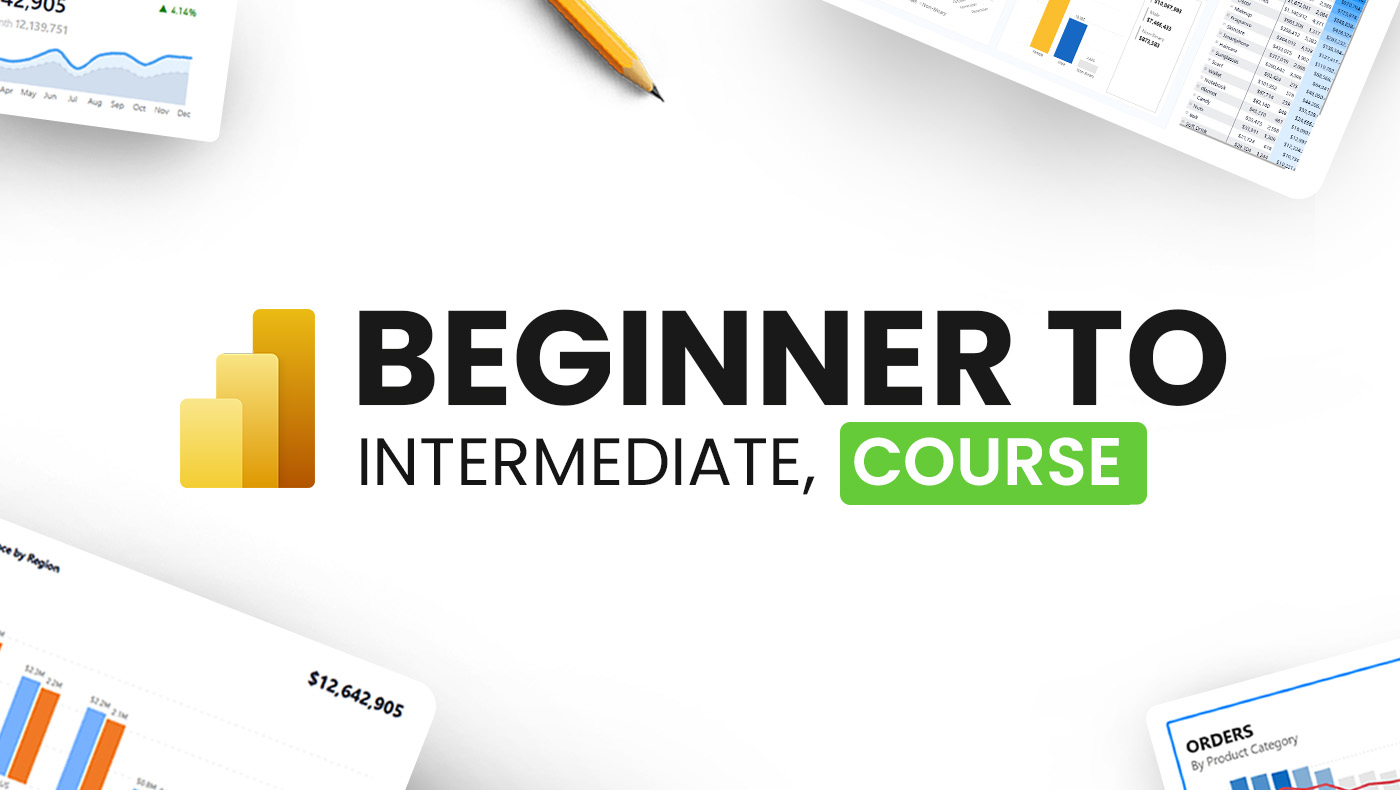
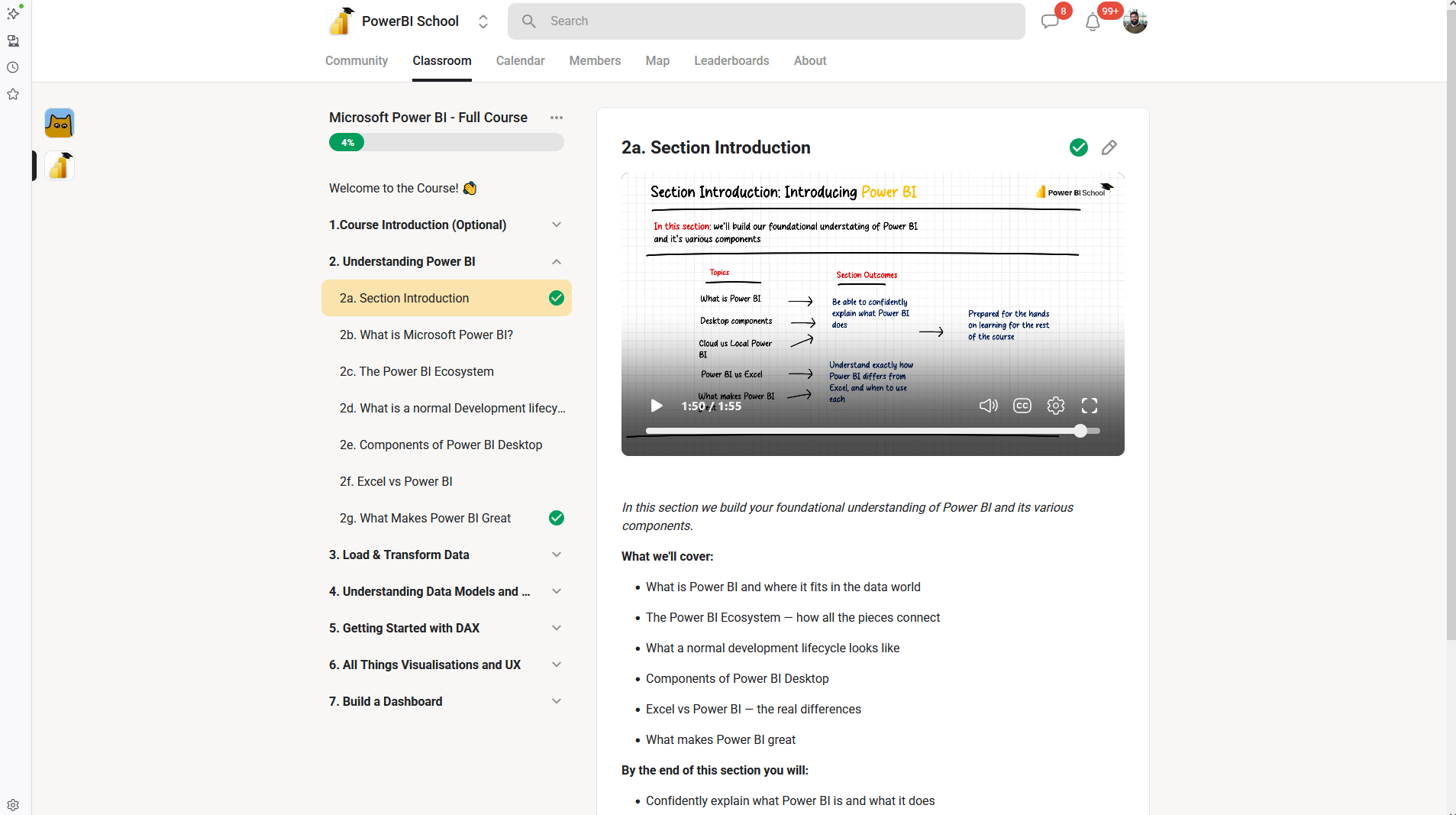
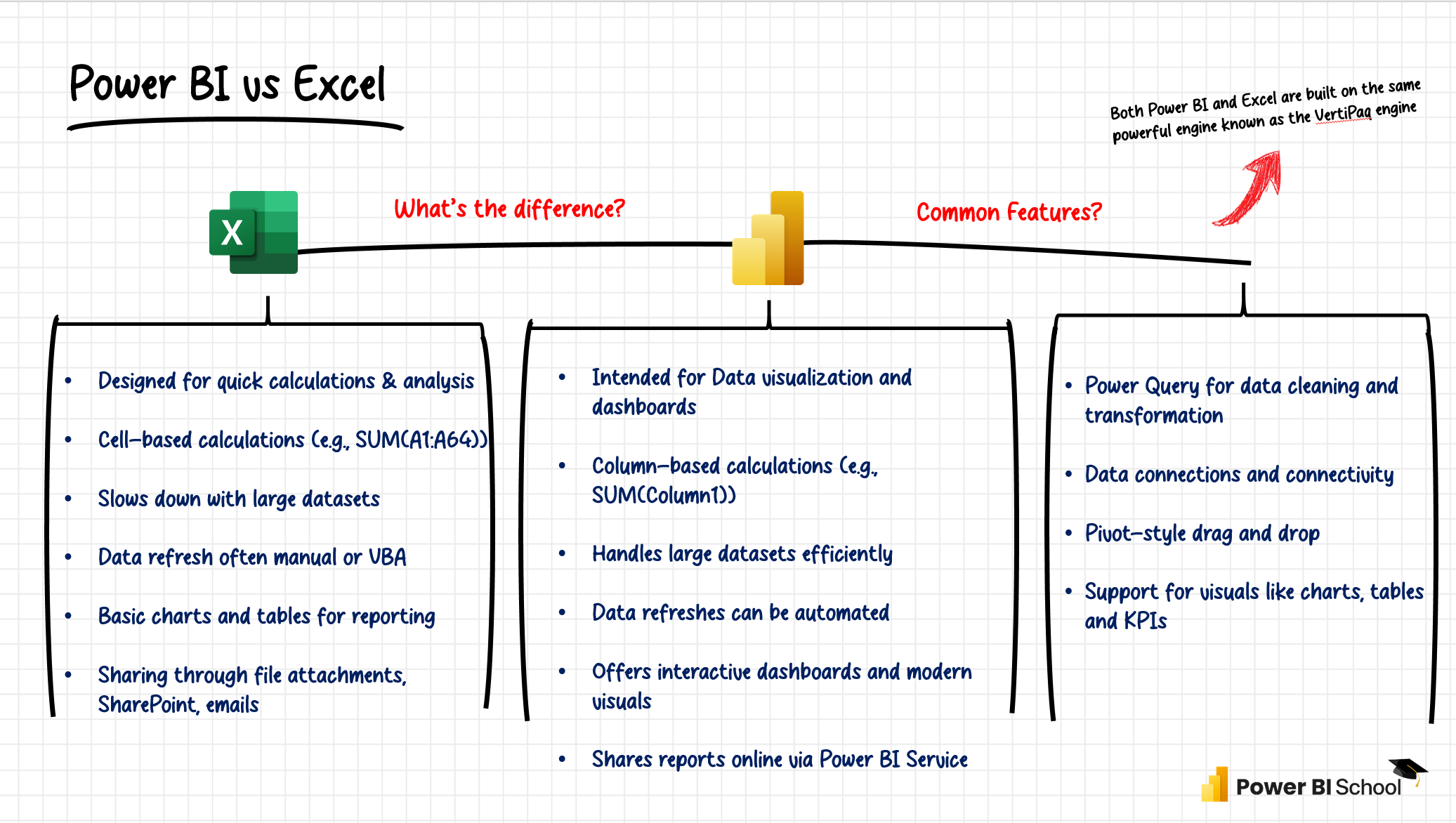
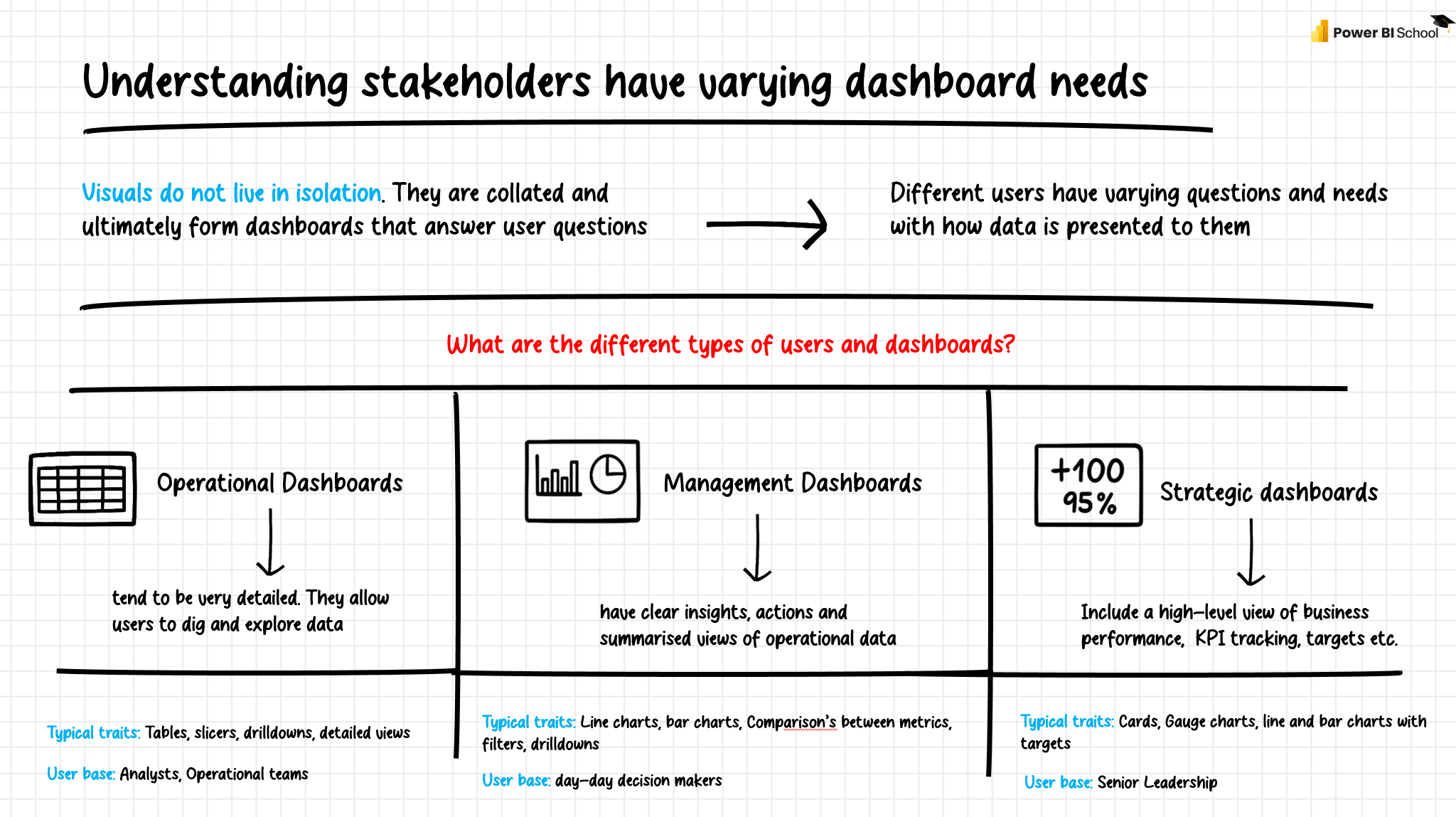
Real screens from inside the course — exactly what you'll see the moment you join.
50+ Lessons, Datasets, Assessments, Project Files
Explore the topics covered
None at all. Module 1 starts with installing Power BI Desktop and building your first chart, so complete beginners are the target audience.
Comfort with Excel helps but isn't required, and no SQL is needed. Where we connect to a database, every step is shown on screen.
This course teaches Power BI for the job: building, modelling and sharing reports. The PL-300 programme is exam-focused and mapped to Microsoft's certification blueprint. Many students do this one first.
It's self-paced. Most students spend 2–4 hours a week and work through the seven modules comfortably within six weeks.
Lifetime access to the course, including any updates we make to it.
straight from the community feed
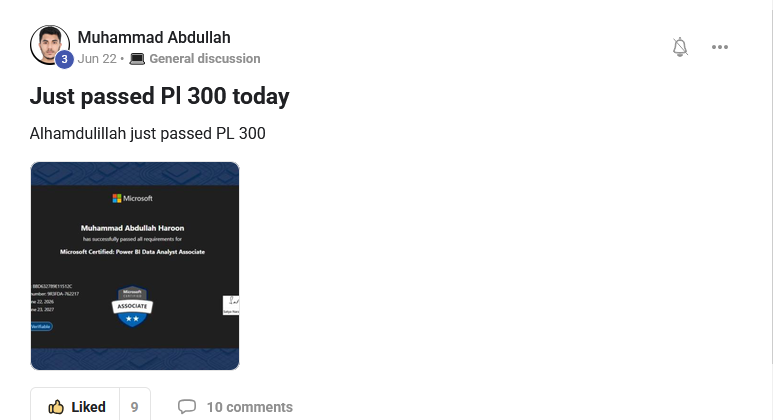
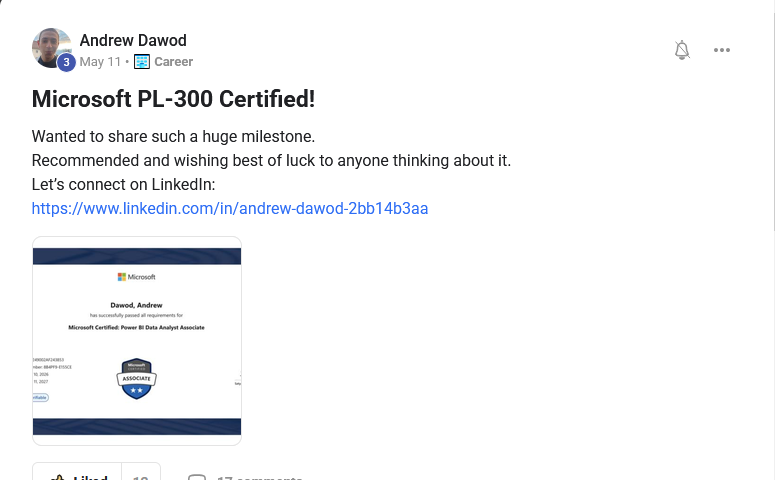
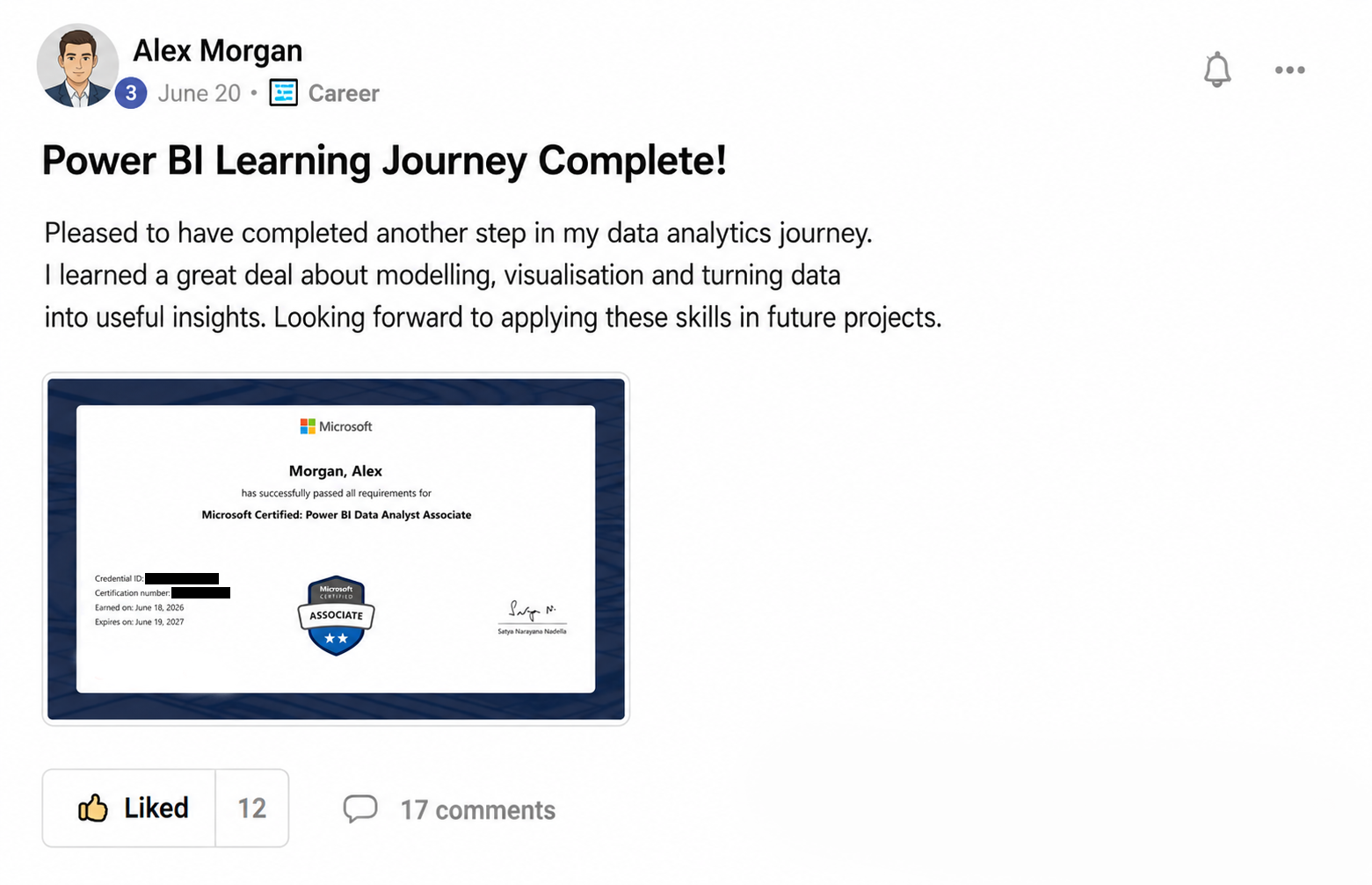
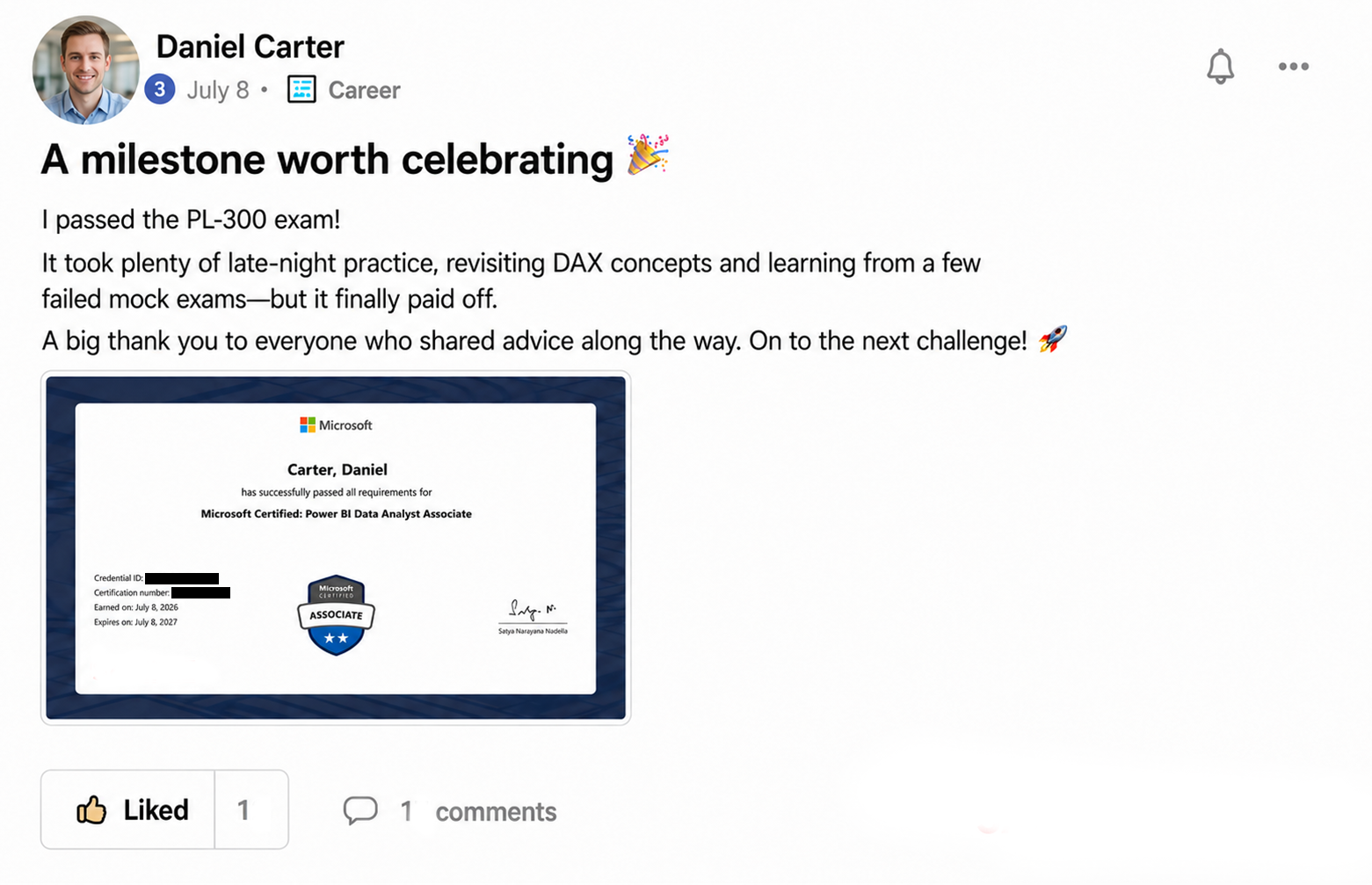
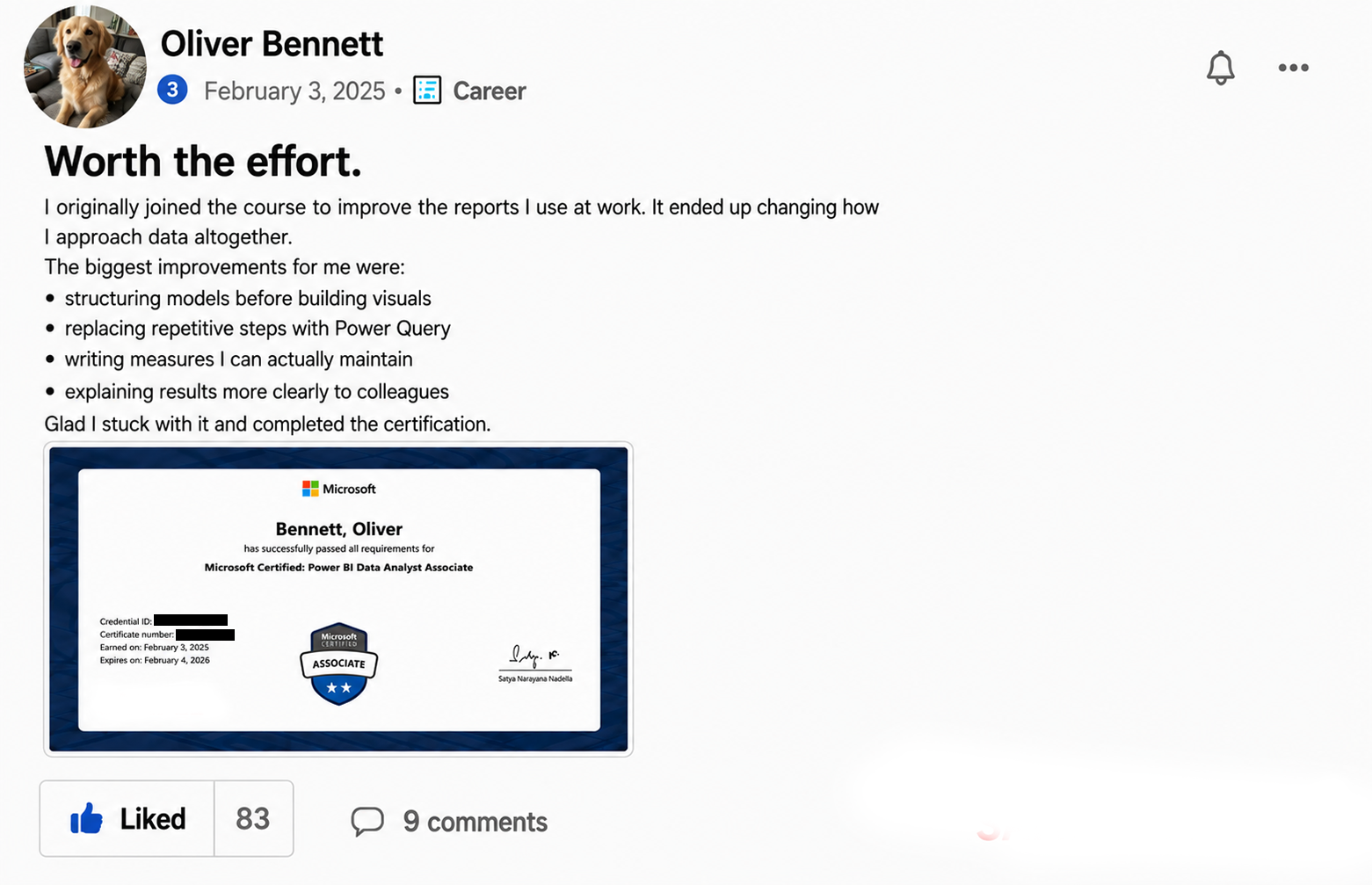
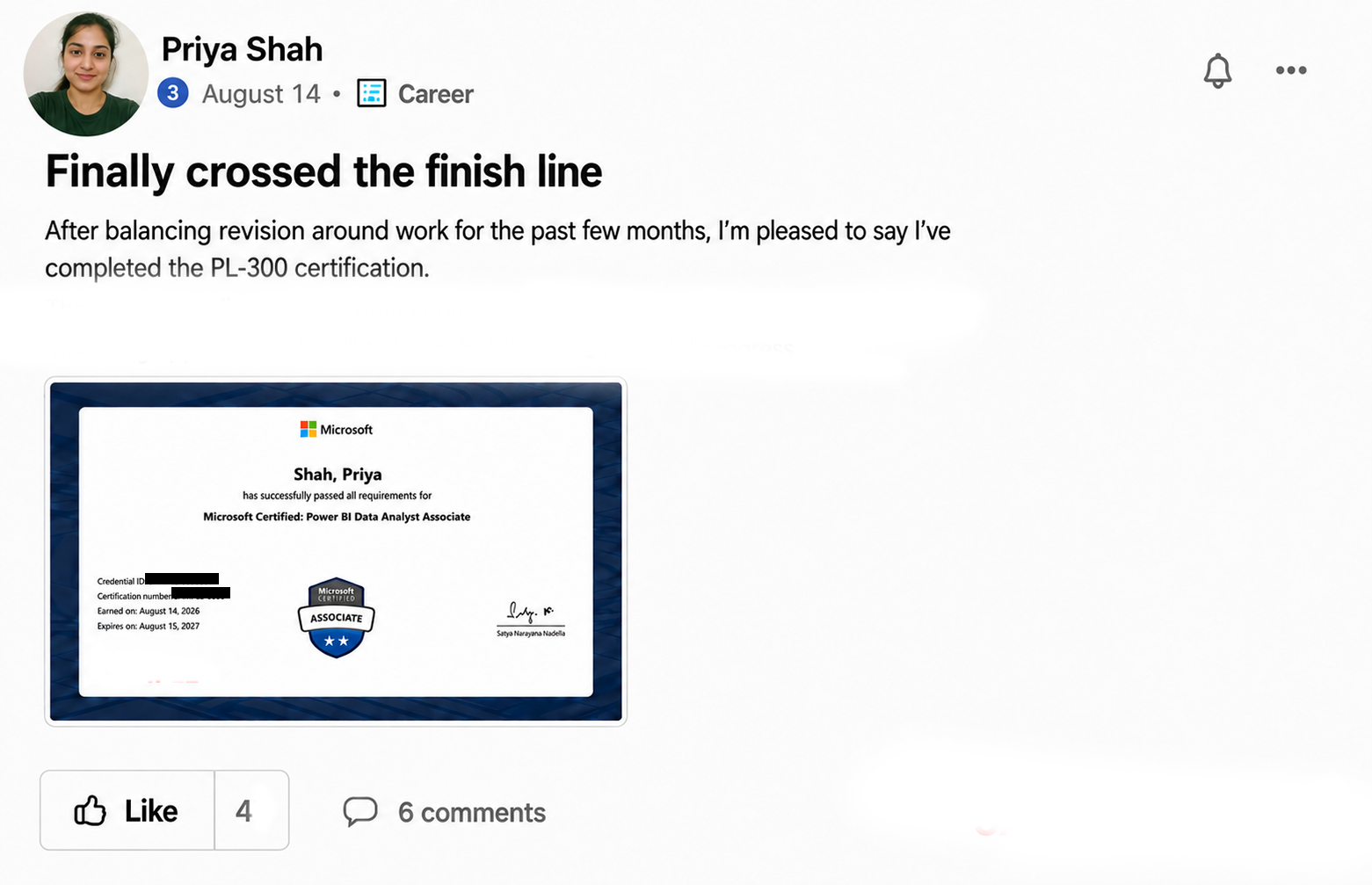
Seven guided modules, practice files to build along with, and a community you can ask when something doesn't click — so you learn in the right order instead of guessing.
Worth asking
Plenty of our students don't pay for this themselves. Most organisations hold an annual learning and development budget, and training like this is a legitimate business expense they can offset against tax. Download the email template below for a ready-made way to put the request to your manager.